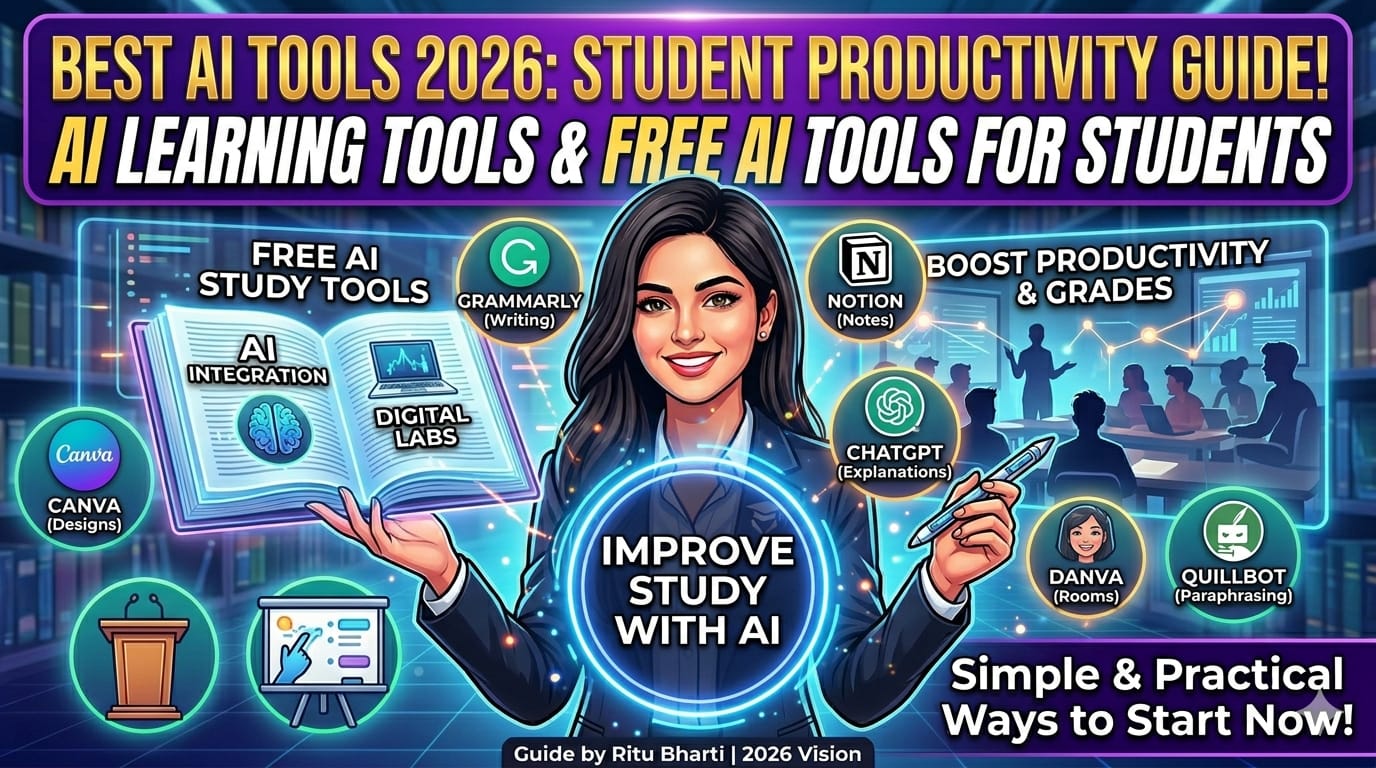
Best AI Tools for Students in 2026: Boost Productivity and Learning

Artificial Intelligence is transforming education in a powerful way. Students today are not limited to traditional study methods. With the help of AI tools, learning has become faster, smarter, and more personalized.
In 2026, students are using AI tools not only to complete assignments but also to improve understanding, manage time, and boost productivity. These tools can act like a personal assistant that supports learning every day.
Choosing the right AI tools is important because not every tool is useful for every task. Some tools are better for writing, some for research, and others for organization. Understanding which tool to use can make a big difference in results.
What Are AI Tools for Students?
AI tools are smart applications that use artificial intelligence to perform tasks like writing, summarizing, solving problems, and organizing information.
They help students complete tasks quickly and improve understanding with better explanations.
Why Students Should Use AI Tools
- Save time on assignments and research
- Improve understanding of difficult subjects
- Increase productivity and focus
- Reduce academic stress

Best AI Tools for Students in 2026
There are many AI tools available today, but not all of them are suitable for students. The best tools are those that are easy to use, reliable, and actually help in learning instead of just completing tasks.
Below are some of the most useful AI tools that students can use in 2026 to improve their productivity, writing, research, and overall performance.
1. ChatGPT
ChatGPT helps students with writing, explanations, brainstorming ideas, and solving doubts in simple language. It is one of the most popular tools for learning and content creation.
2. Grammarly
Grammarly is one of the most useful tools for improving writing skills. It not only corrects grammar and spelling mistakes but also suggests better sentence structures and vocabulary. Students can use it while writing essays, assignments, emails, or reports. It also checks tone and clarity, which helps in making content more professional and easy to understand. Over time, it also helps students learn from their mistakes and improve their writing ability.
3. Notion AI
Notion AI is a powerful tool for organizing study material and managing tasks. Students can use it to create notes, generate summaries, and plan their daily study schedule. It helps in keeping everything in one place, which improves focus and productivity. Notion AI can also assist in writing content, brainstorming ideas, and structuring projects, making it a complete productivity tool for students.
4. QuillBot
QuillBot is mainly used for paraphrasing and rewriting content. It helps students express the same idea in different words without changing the meaning. This is especially useful while working on assignments where originality is important. QuillBot also offers grammar checking and summarizing features, which make it easier to improve writing quality and avoid plagiarism issues.
5. Canva AI
Canva AI is a great tool for creating visual content like presentations, posters, and social media designs. Students can use it to design attractive slides for projects and assignments without needing advanced design skills. It offers ready-made templates and AI-powered suggestions, which save time and improve the overall look of the work. This makes learning more creative and engaging.
6. Google Gemini
Google Gemini is an advanced AI tool that helps students with research, idea generation, and quick answers to questions. It can explain complex topics in simple language, making it easier for students to understand difficult concepts. It is especially helpful for project work, research assignments, and learning new topics. Since it is connected with Google’s ecosystem, it provides reliable and updated information.
How to Use AI Tools Effectively
Step 1: Choose the Right Tool for Your Need
Select tools based on your task. For example, use writing tools for assignments and design tools for presentations.
Step 2: Learn Basic Features First
Take time to explore features so you can use the tool effectively without confusion.
Step 3: Use AI as a Support Tool
Do not depend completely on AI. Use it to assist your learning and improve understanding.
Step 4: Always Review Output
Check and edit AI-generated content to ensure accuracy and quality.
Step 5: Avoid Overdependence
Balance your learning with AI usage to maintain your own thinking ability.
Common Mistakes to Avoid
- Overdependence on AI tools
- Copying content without checking
- Ignoring real learning
- Using untrusted tools
Tips for Better Results
- Use AI as a helper, not a shortcut
- Practice regularly
- Keep learning new tools
- Focus on improving your skills

Future of AI in Education
AI will continue to improve education by making learning more personalized and efficient. Students who understand how to use AI tools properly will have a strong advantage.
Conclusion
AI tools are becoming essential for students in 2026. They he…